🌆 Environment Modeling: Building your environment using custom-made objects
Plan and Prepare
Create a New Blender File
- Go to
File → New → General - Save your file as:
YourName_SceneModel.blend - ⚠️ Don’t forget to press
Ctrl + Sregularly to save your progress.
Think Small (But Meaningful)
You’re only building a section of your world — enough to give your character context.
Examples:
- 🛏️ A room → Just 2 walls and part of the floor
- 🌲 A forest → A small clearing with 3–4 trees
- 🛰️ A space station → One hallway or pod
- 🌌 A dream world → One floating platform or terrain patch
- 🏞️ A park → One bench, a path, a bush, and a tree
You’ll add the character later — leave open space for them to stand or move!
Step-by-Step Instructions
Step 1 – Create a Ground Plane
- Press
Shift + A → Mesh → Plane - Press
Sto scale it large enough for your scene - Add a Solidify Modifier to give it thickness (optional but recommended)
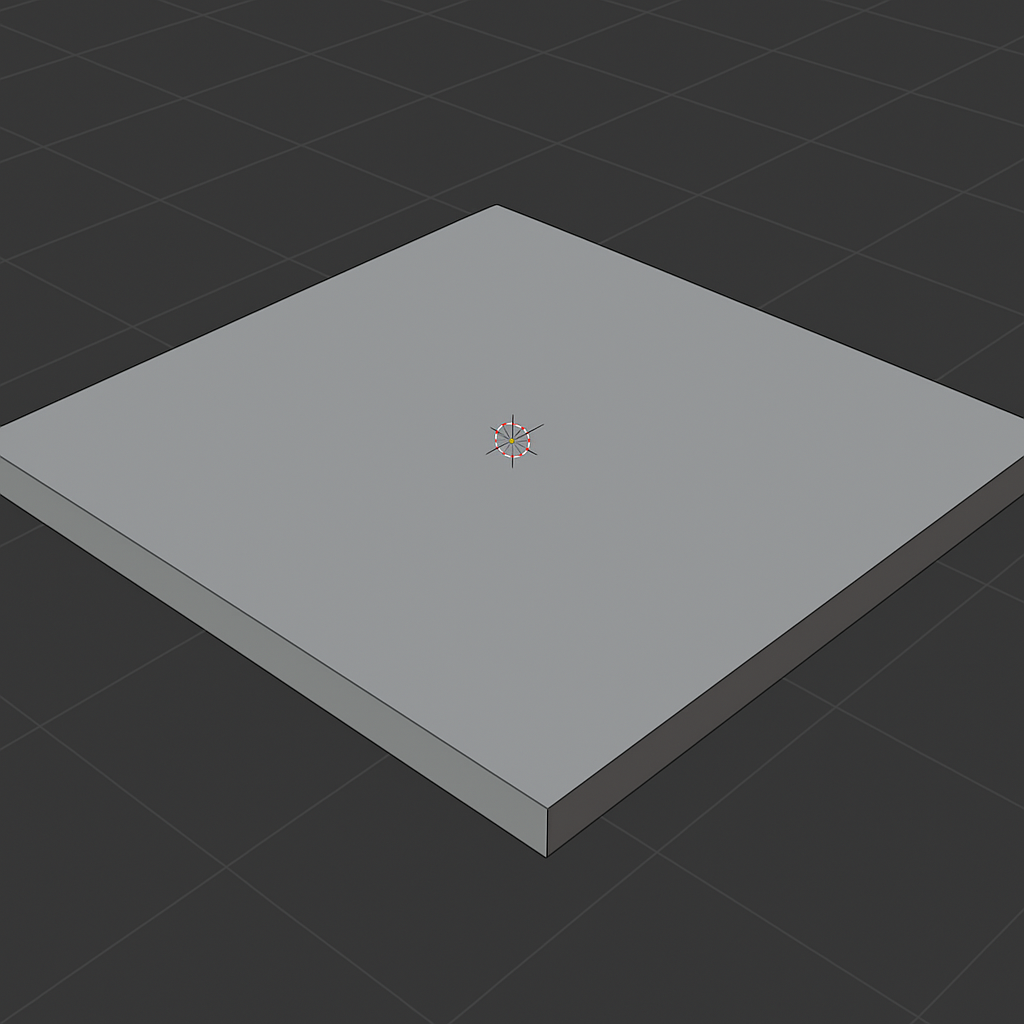
Step 2 – Block Out Your Space (for indoor environments only)
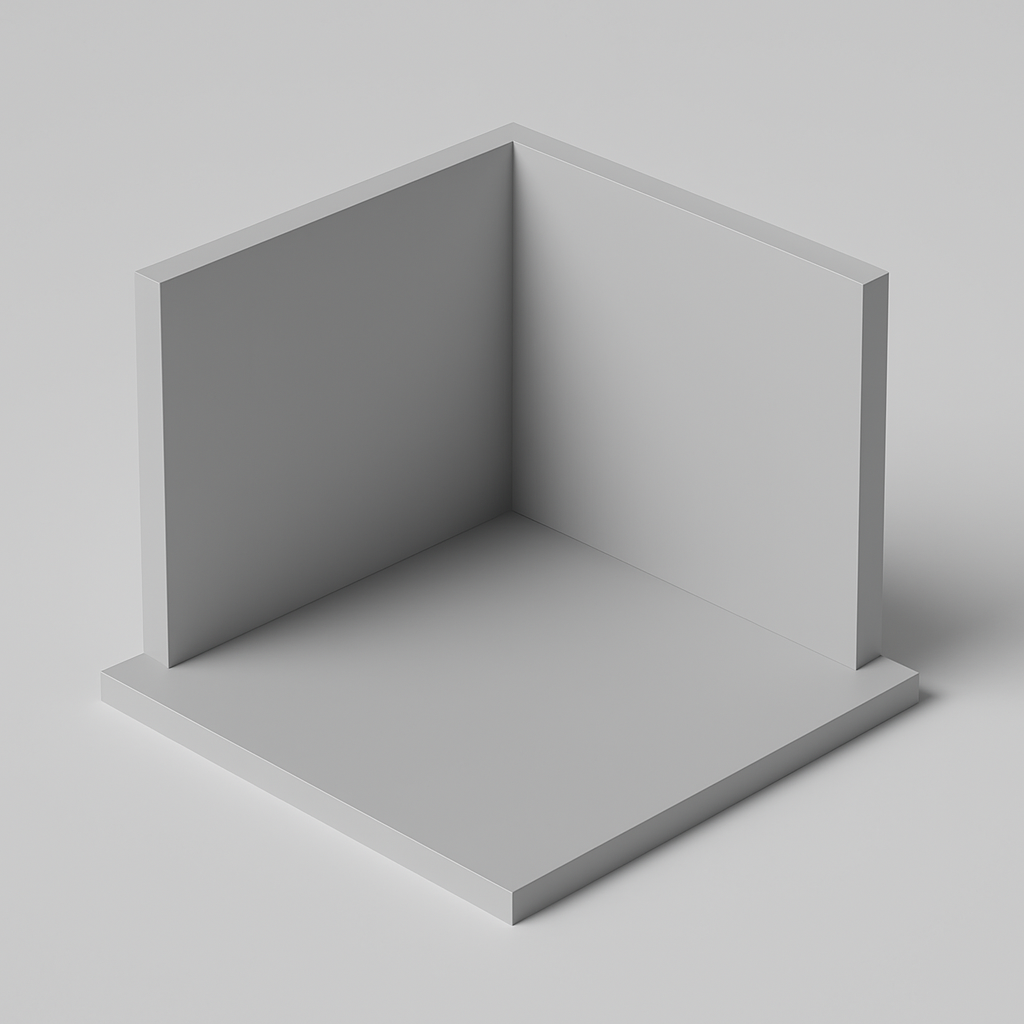
- Press
Shift + A → Mesh → Cube→ Scale/rotate into walls, floors, or stairs - Press
Tabto enter Edit Mode → Select four faces (as shown in the image) → PressXto delete them - Use
G,R, andSto move, rotate, and scale objects
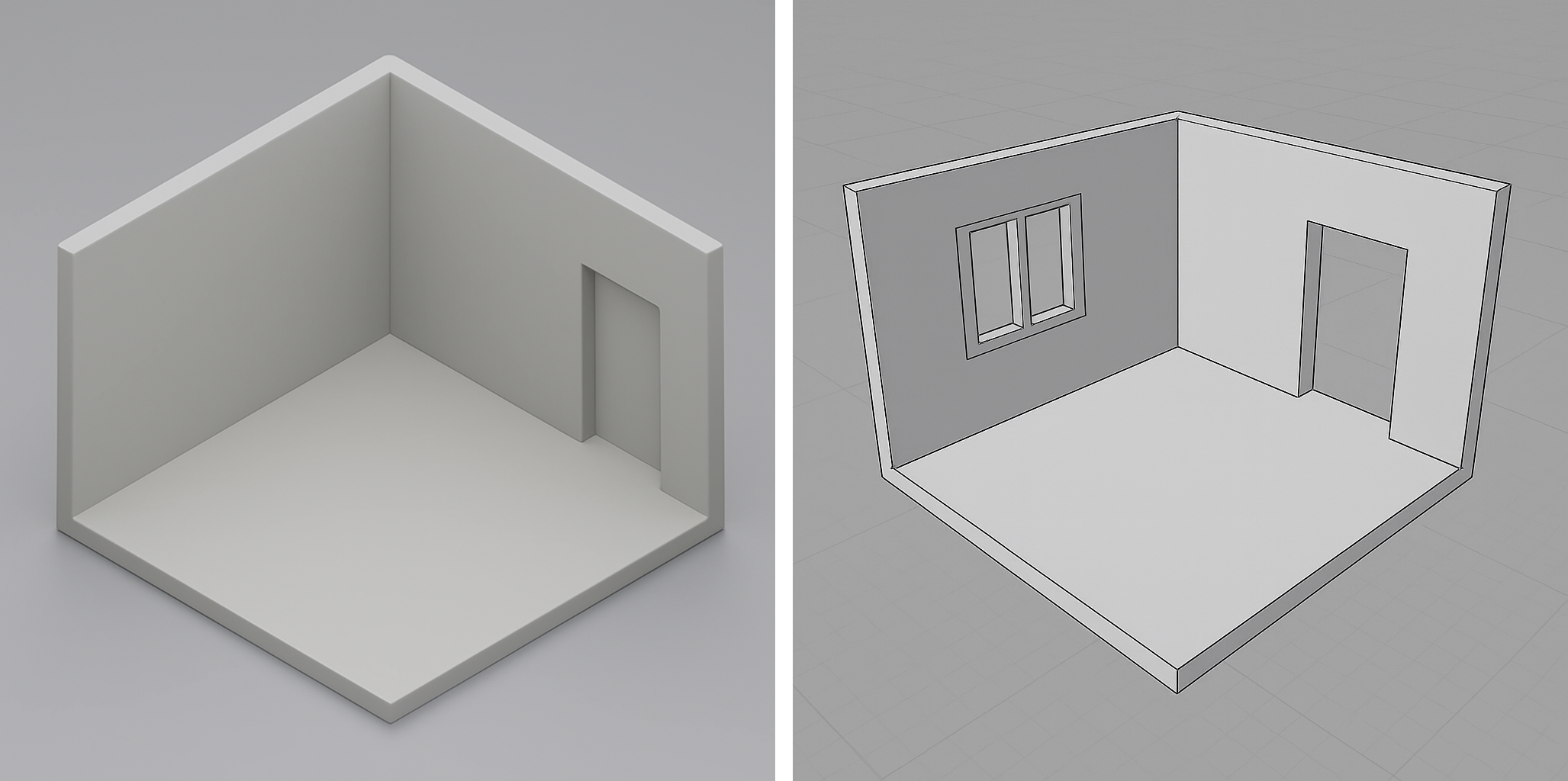
- Optional: Create divisions and use Extrude on faces or the Boolean Modifier to create doors or windows
Step 3 – Create Simple Props or Environmental Objects
- Use basic shapes (e.g., cylinders, spheres, cubes) and modifiers to create furniture or decorations
- You can also modify your ground to make it more rocky or organic using the Proportional Editing
- For more complex shapes, wait until tomorrow for instructions on how to import existing 3D objects.
Tips for Blocking Your Space
- Start big to small: ground → walls → details
- Don’t overbuild — focus on what your character sees
- Leave room for character movement or interaction
- Use Array or Mirror modifiers for repetition (fences, tiles, etc.)

Step 4 💾 File Saving
- Don’t forget to save
- Go to
File → SaveorFile → Save As - Use filename:
YourName_SceneModel.blend - Save to your class folder
Use These Tools & Modifiers
🔧 Tools
| Tool | Shortcut | Use for… |
|---|---|---|
| Add Object | Shift + A |
Add basic shapes |
| Move / Rotate / Scale | G / R / S |
Place and transform objects |
| Join Objects | Ctrl + J |
Combine multiple meshes |
| Shade Smooth | Right-click | Soften surface shading |
| Snap Tool | Shift + Tab | Align objects easily |
| Join Objects | Ctrl + J |
Combine multiple meshes |
| Shade Smooth | Right-click | Soften surface shading |
| Snap Tool | Right-click on mesh | Align shapes perfectly |
| ✨ Loop Cuts | Ctrl + R in Edit Mode |
Add structure or divisions |
| ✨ Extrude Faces | Tab → Edit Mode → E |
Pull up walls or stretch planes |
| ✨ Inset Faces | I in Edit Mode |
Create windows, frames, steps |
| ✨ Bevel Edges | Ctrl + B in Edit Mode |
Round out or soften corners |
🧰 Modifiers
| Modifier | How to access | Use for… |
|---|---|---|
| Mirror | Modifiers Tab | Build symmetrical characters |
| Subdivision Surface | Modifiers Tab | Smooth rounded shapes |
| Array | Modifiers Tab | Repeats objects in rows |
| Boolean | Modifiers Tab | Combines or subtracts shapes |
| Solidify | Modifiers Tab | Gives flat shapes a thickness |
| Wireframe Modifier | Modifiers Tab | Start with a line “skeleton” |
| Skin Modifier | Modifiers Tab | Wraps a mesh around your skeleton |
Tutorials
How to add Loop Cuts
The Loop Cut tool splits faces by inserting new edge loops around your mesh.
Inset Tool
The Inset tool in Blender duplicates selected faces, creating a new border of geometry inside (or outside) the original boundary without altering the overall shape.
Bevel Tool
The Bevel tool in Blender smooths hard edges and corners by turning them into chamfers or rounded curves.
📝 Reflection
- What feeling do you want your space to give your character (and the viewer)?
- Is it cozy, eerie, magical, futuristic, chaotic, peaceful, or something else?
What is next?
Once you finish, continue with 💠 Introduction to Materials